

Intermittent problems are hard to track because they don’t happen consistently, so you can’t easily catch or recreate them. They can leave little trace, making it tough to identify root causes, especially since they may be triggered by subtle system interactions or external factors like temperature or interference. Diagnosing these issues requires patience, careful monitoring, and analyzing long-term data. Keep going, and you’ll uncover more insights to help solve these elusive problems.
Key Takeaways
- They occur unpredictably, making it difficult to observe and reproduce the issue consistently.
- Subtle system interactions and external factors can trigger intermittent faults without clear signs.
- Limited or transient clues hinder effective diagnosis and mislead troubleshooting efforts.
- Long-term monitoring is often required to catch sporadic problems and identify patterns.
- External influences like temperature or electromagnetic interference can unpredictably impact system stability.
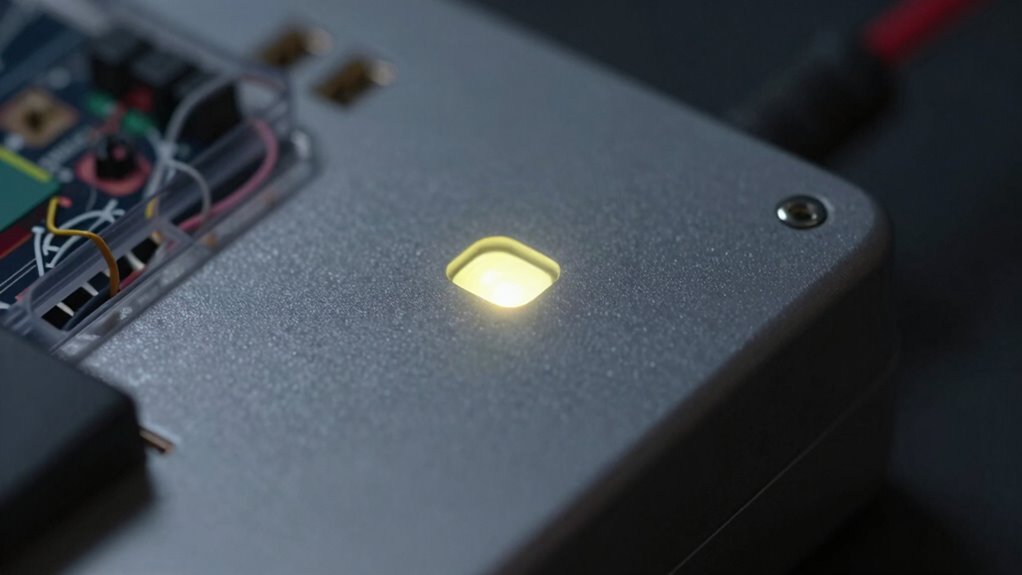
Intermittent problems can be incredibly frustrating because they don’t happen consistently, making them difficult to identify and fix. When issues crop up unpredictably, it’s like chasing a moving target—each time you think you’ve found a clue, the problem disappears. This inconsistency complicates the process of root cause analysis, the method used to pinpoint the actual source of the trouble. Without a clear pattern, it’s easy to fall into diagnostic challenges, wasting time on false leads or temporary fixes that don’t address the underlying issue.
Intermittent issues are elusive, disrupting troubleshooting and requiring patience, methodical analysis, and keen observation to find lasting solutions.
The core difficulty lies in the sporadic nature of these problems. Unlike persistent faults, intermittent issues often leave little trace, making it hard to recreate the scenario where the problem occurs. You might check logs, perform tests, or run diagnostics, but if the problem isn’t present at that moment, you gain no meaningful insight. This unpredictability requires you to be methodical and patient, often needing to monitor systems over extended periods to catch the fault in action. That process can be time-consuming, and the lack of immediate evidence fuels frustration, especially when quick resolution is needed.
Another challenge is that many intermittent problems are caused by subtle or complex interactions within systems. A seemingly minor hardware glitch, a loose connection, or a software timing issue can trigger the problem sporadically. These factors are often hidden deep within the system’s architecture, making root cause analysis more complicated. You might suspect one component, only to discover that the actual culprit is a different part altogether. This layered complexity underscores why diagnostic challenges are so prevalent in troubleshooting intermittent issues. You need to consider multiple variables and test various hypotheses, often requiring specialized tools or long-term data collection.
Additionally, environmental conditions can influence the occurrence of intermittent problems. Temperature fluctuations, electromagnetic interference, or even user behavior can trigger a fault sporadically. These external factors add yet another layer of complexity to the diagnostic process, forcing you to think outside the immediate system and consider broader influences. Recognizing external influences can be crucial in understanding why problems occur unpredictably. Furthermore, tracking these external variables often demands detailed monitoring strategies, which can be resource-intensive but are essential for accurate diagnosis. Employing systematic data collection can help reveal patterns that are otherwise difficult to detect. Developing a comprehensive understanding of system behavior over time can also aid in identifying subtle triggers that might otherwise go unnoticed.
In the end, the elusive nature of intermittent problems demands a careful, systematic approach. You must leverage thorough root cause analysis, patience, and keen observation to navigate the diagnostic challenges and uncover what’s really causing the problem. Developing a detailed monitoring strategy can significantly improve your chances of catching intermittent faults in action. Only then can you implement a lasting fix, preventing the issue from recurring and restoring system stability.

AEGTEST HOUND-1011S Portable Radon Detector, High-Accuracy Sensor for Home, Lightweight, Audible & Visual Alarms, Long-Term Monitoring, Easy-to-Use Radon Tester in pCi/L or Bq/m³ for Basement
- Portable Radon Detector: Compact, continuous monitoring device
- High-Precision Sensor: Delivers fast, accurate readings
- Quick Results: Initial results in 12 hours
As an affiliate, we earn on qualifying purchases.
As an affiliate, we earn on qualifying purchases.
Frequently Asked Questions
How Can I Predict When an Intermittent Issue Will Occur?
You can’t always predict when an intermittent issue will occur, but you can improve your chances by identifying patterns and gathering detailed logs. Focus on root cause analysis by noting when problems happen and under what conditions. Use pattern recognition to spot recurring triggers, which can help forecast future occurrences. Keeping thorough records and analyzing them regularly enables you to anticipate issues more accurately and address them proactively before they escalate.
What Tools Are Best for Diagnosing Intermittent Problems?
Ever wondered which tools can best diagnose intermittent issues? You should focus on diagnostic tools like network analyzers, log analyzers, and monitoring software, which help gather real-time data. Combining these with root cause analysis techniques allows you to identify patterns and pinpoint elusive problems. Are you leveraging the right tools to catch those transient glitches? Using all-encompassing diagnostic tools empowers you to trace intermittent issues more effectively, saving time and reducing frustration.
Do Certain Environments Cause More Intermittent Failures?
Yes, certain environments can cause more intermittent failures. Hardware issues often worsen in extreme temperatures, humidity, or dusty conditions, leading to unstable connections or overheating. Environmental factors like vibrations or power fluctuations can also trigger sporadic problems. You should monitor these factors carefully, as they directly impact hardware performance, making it essential to maintain ideal conditions to reduce the frequency of intermittent failures.
How Long Should I Monitor Before Concluding a Problem Is Resolved?
You should conduct long-term monitoring for at least a few days to confidently determine if the problem is resolved. During this period, perform root cause analysis to identify underlying issues. Keep observing the system’s behavior under different conditions, and document any recurring patterns. Only after consistent stability over this period can you reasonably conclude the issue has been addressed, reducing the chances of overlooked intermittent failures.
Can User Behavior Influence Intermittent System Failures?
Sure, user behavior can influence intermittent system failures, even if it seems unlikely. Ironically, your user patterns and behavioral triggers often act as hidden culprits, causing unpredictable glitches. When users click buttons differently or access the system at odd hours, it can trigger failures that seem random. So, paying attention to these behavioral triggers helps you identify the root cause, making troubleshooting more manageable and less like guesswork.

ERICKHILL 3 in 1 EMF Detector, Rechargeable EF, RF, MF, WiFi,5G Detector
- All-in-One EMF Detection: Measures EF, MF, RF fields
- Instant, Easy Operation: No setup, quick readings displayed
- Color-Coded Display: Visual radiation level indicators
As an affiliate, we earn on qualifying purchases.
As an affiliate, we earn on qualifying purchases.
Conclusion
So, next time you’re chasing that elusive glitch, remember that intermittent problems are like trying to catch a greased pig at a county fair—slippery and unpredictable. Patience, persistence, and a dash of detective work will eventually reveal the culprit. Think of it as your own digital version of the Tower of Babel—messy, confusing, but eventually solvable. Keep at it, and you’ll tame the beast, even if it feels like hunting a unicorn in the fog.

Thread Checker SWTC-S21 Nut & Bolt (SAE/Inch)
- Includes nut and bolt checker for each size: 23 common SAE/Inch sizes
- Permanently stamped thread sizes: Red markings on gauges
- Convenient hanging wire cable: Loop for easy storage
As an affiliate, we earn on qualifying purchases.
As an affiliate, we earn on qualifying purchases.

NetAlly AirCheck G3 Pro. WiFi 6 & WiFi 7, Bluetooth/BLE WiFi Tester. for Site Surveys, Air Quality Test, RF Spectrum Analyzer (Optional), Device Discovery, Path Analysis and Security audits
- Wi-Fi 6 & 7 and Bluetooth Testing: Verify and troubleshoot Wi-Fi 6, 7, and Bluetooth/BLE networks
- Tri-Band Location Tracking: Locate access points and clients on 2.4GHz, 5GHz, and 6GHz bands
- Spectrum Analysis Support: Optional spectrum analysis with NXT-2000 adapter
As an affiliate, we earn on qualifying purchases.
As an affiliate, we earn on qualifying purchases.