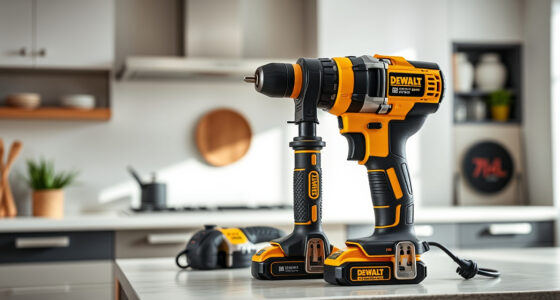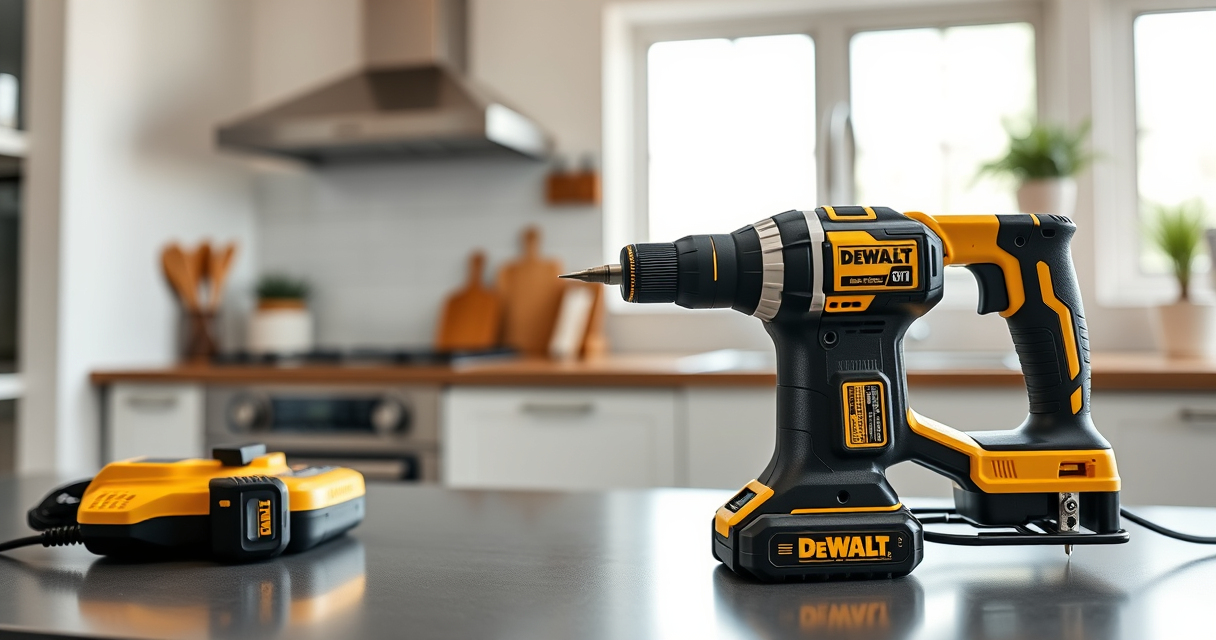

Maintaining your DEWALT power tools is essential to ensure they perform at their best and last for years. Proper care helps prevent unexpected breakdowns, improves safety, and keeps your tools ready for any project. In this guide, we’ll walk through practical maintenance routines, troubleshooting common issues, and tips for safe handling of your DEWALT tools, focusing on the versatile 20V MAX Cordless Drill and Impact Driver.
Open a free Amazon Business account
Business pricing, bulk buying and tax-exempt orders.
Create a free accountAs an affiliate, we earn on qualifying purchases.
Whether you’re a professional tradesperson or a DIY enthusiast, understanding how to care for your power tools can save time and money. Follow these step-by-step instructions to keep your DEWALT tools in top shape.
Key Takeaways
| Regular Cleaning | Remove dust and debris after each use to prevent motor and switch issues. |
| Battery Care | Keep batteries charged, avoid complete discharges, and store in a cool, dry place. |
| Inspect and Replace Parts | Check for worn or damaged parts regularly and replace as needed. |
| Lubrication | Lubricate moving parts to prevent rust and ensure smooth operation. |
| Safe Troubleshooting | Always disconnect power before inspecting or repairing your tools. |
Routine Cleaning and Inspection
- Unplug or remove batteries from your DEWALT tool before cleaning.
- Use a dry, soft brush or compressed air to remove dust, dirt, and debris from vents, gears, and switches.
- Check the quick-release hex chuck for dirt buildup and clean with a brush or cloth.
- Inspect the housing for cracks or damage, especially around the trigger and battery contacts.
- Wipe down the tool with a damp cloth and dry thoroughly before storage.
Battery Maintenance and Storage
- Charge batteries fully before long-term storage to maintain battery health.
- Avoid letting batteries fully discharge, as this can reduce lifespan.
- Store batteries in a cool, dry place away from direct sunlight and extreme temperatures.
- Periodically check the LED charge indicators to monitor battery health.
- Use only DEWALT chargers designed for your batteries to prevent damage.
Lubrication and Moving Parts Care
Some parts of DEWALT tools, such as gear mechanisms, benefit from light lubrication to maintain smooth operation. Use a high-quality, lightweight machine oil sparingly on moving parts, avoiding excess that could attract dust. Ensure the tool is clean and dry before applying lubricant. Do not over-lubricate, as excess oil can cause dirt accumulation and affect tool performance.
Troubleshooting Common Issues
- Tool not turning on: Check the battery charge level, ensure it’s properly connected, and inspect for damaged switches or wires.
- Low power or inconsistent operation: Clean the contacts, replace the battery if it no longer holds charge, or check for worn brushes or faulty switches.
- Overheating: Allow the tool to cool down, clean vents, and avoid prolonged use without breaks.
- Bit slipping or chuck not tightening: Inspect the quick-release hex chuck for debris or damage and replace if necessary.
Safety Tips for Maintenance and Repairs
Always disconnect the battery or power source before performing any maintenance or repairs. Wear safety glasses to protect your eyes from dust and debris. Use appropriate tools and avoid forcing parts that are stuck or damaged. Follow manufacturer instructions and consult the user manual for specific procedures. If you’re unsure about repairing internal components, seek professional help to avoid injury or further damage.
The Products in This Guide

DEWALT 20V MAX Cordless Drill and Impact Driver
- ✔ Battery Type: Lithium-ion
- ✔ Max RPM: 2,000
- ✔ Weight: 3.4 lbs

DEWALT Drill Bit Set
- ✔ Split Point: 135°
- ✔ Size Range: Various
- ✔ Web Design: Tapered
DEWALT 20V MAX Cordless Drill and Impact Driver
The DEWALT 20V MAX Cordless Drill and Impact Driver kit offers reliable performance, ergonomic design, and ease of maintenance. Its brushless motor and LED lighting enhance usability, making it a favorite among professionals and DIYers alike.
Pros:
- Compact and lightweight
- Ergonomic comfort grip
- Bright LED for visibility
- Quick-release hex chuck
Cons:
- Battery life may vary with heavy use
- Limited to 20V system
Best for: Ideal for tasks requiring precision and maneuverability in tight spaces.
Not ideal for: Not suitable for heavy-duty industrial applications without additional power tools.
Bottom line: A versatile, reliable cordless drill kit that balances power and ease of maintenance.
DEWALT Drill Bit Set
This DEWALT drill bit set complements your power tools perfectly, providing durable, rust-resistant bits designed for plastic, wood, and metal. It’s a valuable addition for anyone looking to expand their toolkit.
Pros:
- Durable High Speed Steel
- Rust-resistant coating
- Includes 14 sizes
- Tapered web design for strength
Cons:
- Only compatible with standard shank sizes
- Limited to drilling applications
Best for: Perfect for general drilling tasks across multiple materials.
Not ideal for: Not suitable for heavy-duty industrial drilling.
Bottom line: A reliable drill bit set that enhances your drilling precision and durability.
Frequently Asked Questions
How often should I clean my DEWALT power tools?
It’s best to clean your tools after each use to prevent dust buildup and ensure optimal performance. Regular inspection helps catch issues early.
Can I use any batteries with my DEWALT drill?
Only batteries designed for the DEWALT 20V MAX system should be used to ensure compatibility and safety.
What should I do if the tool overheats?
Allow the tool to cool down completely, clean the vents, and avoid prolonged continuous use. Using a lower speed setting can also help prevent overheating.
How do I replace the chuck on my drill?
Most DEWALT drills have a quick-release chuck. To replace it, press the chuck release button, remove the old chuck, and insert the new one, ensuring it locks securely.
Is it safe to perform repairs myself?
Only perform repairs if you’re confident and have the proper tools. Always disconnect the power source and follow safety guidelines. For internal issues, seek professional help.
Keep Your DEWALT Tools Operating at Peak Performance
Regular maintenance and troubleshooting are key to extending the life of your DEWALT power tools. By following these practical steps, you can ensure your tools remain safe, efficient, and reliable for all your projects. Remember, safety always comes first—disengage power sources before inspecting or repairing, and use appropriate protective gear. Proper care not only enhances performance but also saves you money in the long run, making your investment in DEWALT tools well worth it.
Affiliate disclosure: As an Amazon Associate we earn from qualifying purchases. Prices and availability are accurate as of the time of publishing.
NFL season / tailgating Picks
team gear
As an affiliate, we earn on qualifying purchases.