If your DEWALT 20V MAX battery isn’t charging, it can halt your project progress. Fortunately, many issues are simple to diagnose and fix. This guide walks you through common causes and safe troubleshooting steps to get your power tools running again.

Get business pricing on garage and car supplies
- Business-only prices and quantity discounts
- Tax-exempt purchasing
- Multiple users, one account, clear invoices
Always exercise caution and follow safety instructions when working with batteries and electrical components.
Key Takeaways
| Check Charger Compatibility | Ensure you’re using the correct DEWALT charger for your battery model. |
| Inspect Battery Contacts | Clean and examine the battery’s metal contacts for dirt or corrosion. |
| Verify Power Source | Make sure the power outlet or extension cord is functional. |
| Test with a Known Good Battery | Determine if the issue is with the battery or the charger. |
| Allow Battery to Cool Down | Let overheated batteries cool before recharging. |
Step 1: Confirm Compatibility and Power Source
- Ensure your DEWALT battery and charger are compatible. For example, the DCB205-2 batteries are designed for 20V MAX tools.
- Plug the charger directly into a wall outlet, avoiding extension cords or power strips that may be faulty.
Step 2: Inspect and Clean Battery Contacts
- Remove the battery from the charger and power tool.
- Use a dry cloth or a cotton swab with a small amount of rubbing alcohol to clean the metal contacts on both the battery and charger.
- Check for corrosion, dirt, or damage. Replace if contacts are severely corroded or damaged.
Step 3: Test the Charger and Battery
- Try charging a different, known-good DEWALT battery with the same charger.
- If the second battery charges normally, the original battery may need replacement.
- If not, the charger could be faulty. Consider testing with a different charger compatible with your battery model.
Step 4: Address Overheating and Battery Age
If the battery feels hot, let it cool down for at least 30 minutes before attempting to charge again. Batteries can temporarily refuse to charge if overheated or too old. If your battery is several years old or shows signs of damage, replacing it might be necessary.
Additional Tips & Safety Warnings
- Always use genuine DEWALT chargers and batteries to prevent compatibility issues.
- Never force a battery into a charger or tool — if it doesn’t fit properly, it may be damaged.
- Handle batteries carefully to avoid punctures, cracks, or exposure to liquids.
- If a battery leaks, avoid contact with the fluid and dispose of it following local regulations.
The Products in This Guide

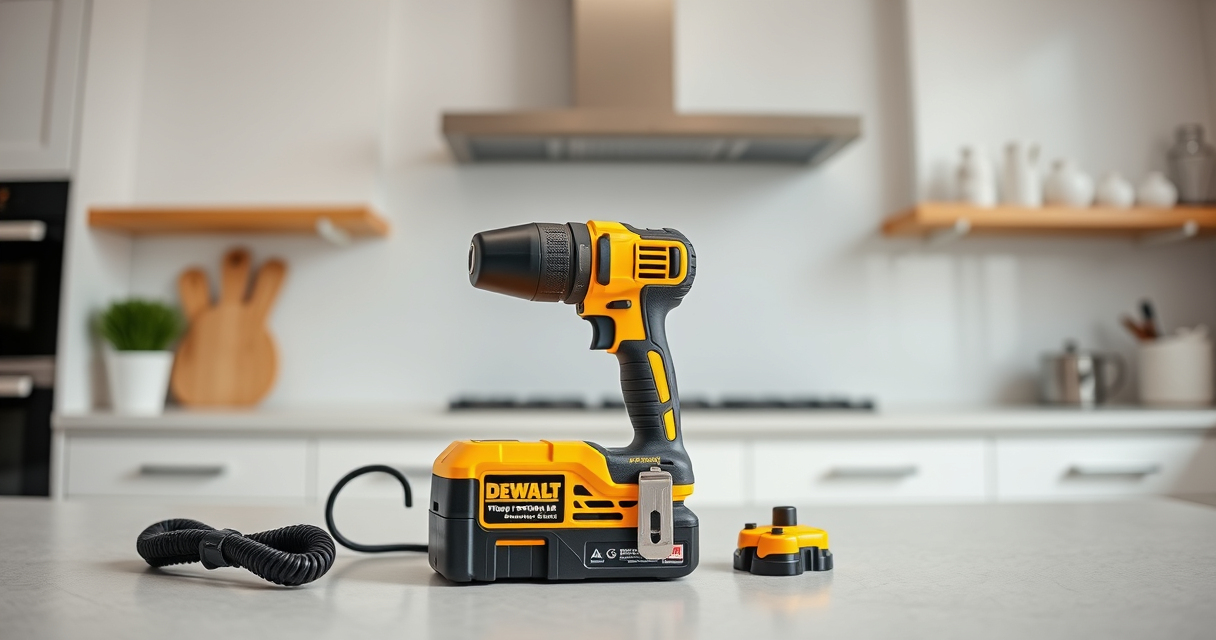
DEWALT 20V MAX Cordless Drill Driver Set
- ✔ LED Light: Yes
- ✔ Warranty: 3 years
- ✔ Dimensions: 7.6 inches length

DEWALT Drill Bit Set
- ✔ Tip Angle: 135°
- ✔ Durability: High
- ✔ Coating: Rust-resistant
DEWALT 20V MAX Cordless Drill Driver Set
The DEWALT 20V MAX Cordless Drill Driver Set offers a brushless motor for longer run time, a lightweight design, and a 2-speed transmission, making it ideal for various tasks. Its battery and charger are included, ensuring convenience and efficiency.
Pros:
- Long-lasting brushless motor
- Lightweight and ergonomic
- Includes 2.0 Ah battery and charger
- LED work light for visibility
Cons:
- Limited to 20V MAX system
- Battery life may vary with heavy use
- No additional tools included
Best for: General-purpose drilling, fastening, and DIY projects
Not ideal for: Heavy-duty industrial applications
Bottom line: A versatile, reliable drill set suitable for most home and professional tasks.
DEWALT Drill Bit Set
The DEWALT Drill Bit Set features a 14-piece collection with 135-degree split points, ideal for plastic, wood, and metal. Its high-speed steel construction ensures durability and precision in your projects.
Pros:
- Wide range of sizes
- Corrosion-resistant coating
- Tapered web for durability
- Easy size identification
Cons:
- Limited to drilling applications
- Not suitable for heavy-duty industrial use
Best for: Home improvement, woodworking, metalworking
Not ideal for: Heavy industrial drilling
Bottom line: A comprehensive drill bit set perfect for general-purpose drilling tasks.
Frequently Asked Questions
Why isn’t my DEWALT battery charging?
Common causes include dirty contacts, incompatible charger, overheating, or a faulty battery. Follow the troubleshooting steps to identify the issue.
How can I clean the battery contacts?
Use a dry cloth or a cotton swab dipped in rubbing alcohol to gently clean the metal contacts on both the battery and charger. Avoid using water or abrasive cleaners.
Is it safe to leave my battery on the charger overnight?
Yes, DEWALT chargers are designed with safety features to prevent overcharging. However, it’s best to remove the battery once fully charged to prolong its lifespan.
When should I replace my DEWALT battery?
Replace your battery if it no longer holds a charge, shows signs of damage, or is several years old. Using a compatible, high-capacity replacement can restore performance.
Keep Your Power Tools Ready to Work
Proper maintenance and troubleshooting can resolve most charging issues with DEWALT batteries. Regularly inspect contacts, use compatible chargers, and replace aging batteries to ensure your tools stay reliable. Safety first—always handle batteries carefully and follow manufacturer instructions for optimal performance and longevity.
Affiliate disclosure: As an Amazon Associate we earn from qualifying purchases. Prices and availability are accurate as of the time of publishing.
Halloween Picks

Fun Costumes Creepy Twin Boys Halloween Animatronic

MGparty 10FT Halloween Inflatable Archway with LED Lights

9 ft Halloween Inflatable Haunted Castle with Dragon and Ghost
As an affiliate, we earn on qualifying purchases.